
Your Primary Lodge
Play at every Lodge. Your membership calls one of them home.
Overview
Every membership has a primary Lodge: the Lodge your membership belongs to. New members choose it when they join. With ONE LODGE you play at full strength at all three Lodges, and your primary Lodge is where:
- your free monthly guest passes load and can be used
- your packages live (lesson packages, guest passes and more)
- your Passport Challenge promo code is for
How To Add A Lodge To Your App
Each Lodge has its own CourtReserve account, so add the Lodges you want to play at. It takes a minute, and you only do it once.
-
Open My Locations in the CourtReserve app, either way:
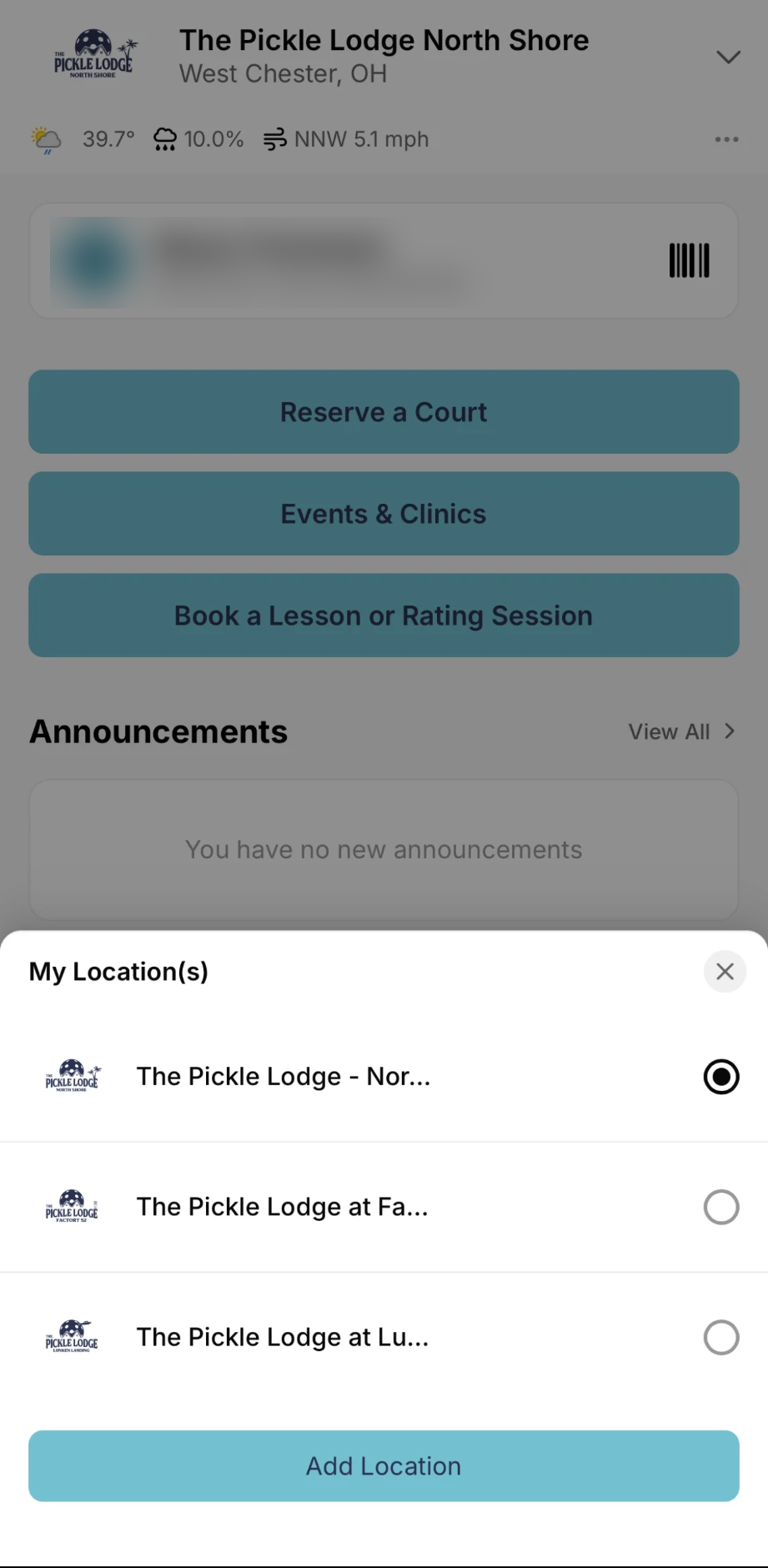
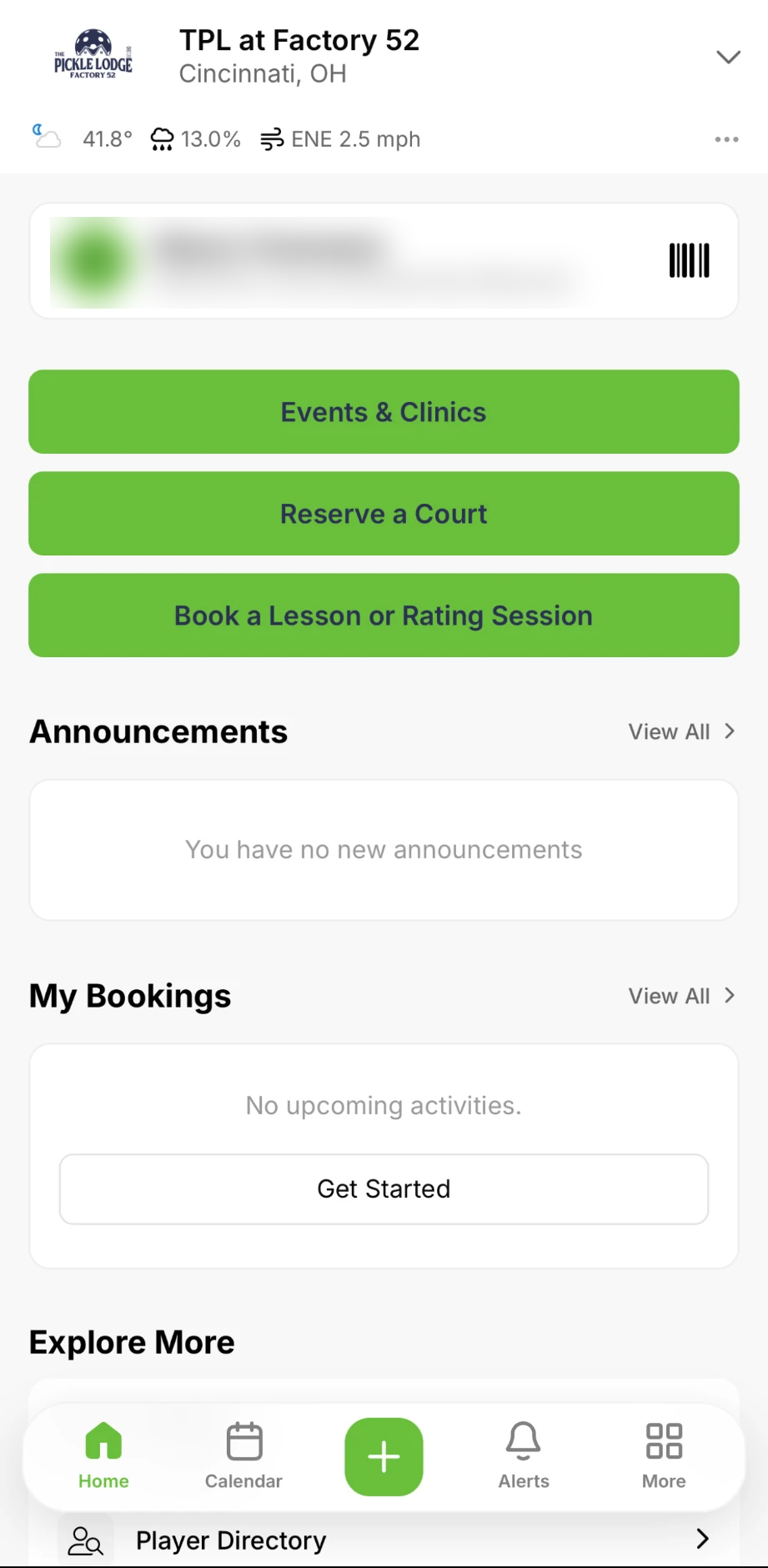
- Tap the down arrow next to the Lodge name at the top, then Add Location at the bottom of the pop-up.
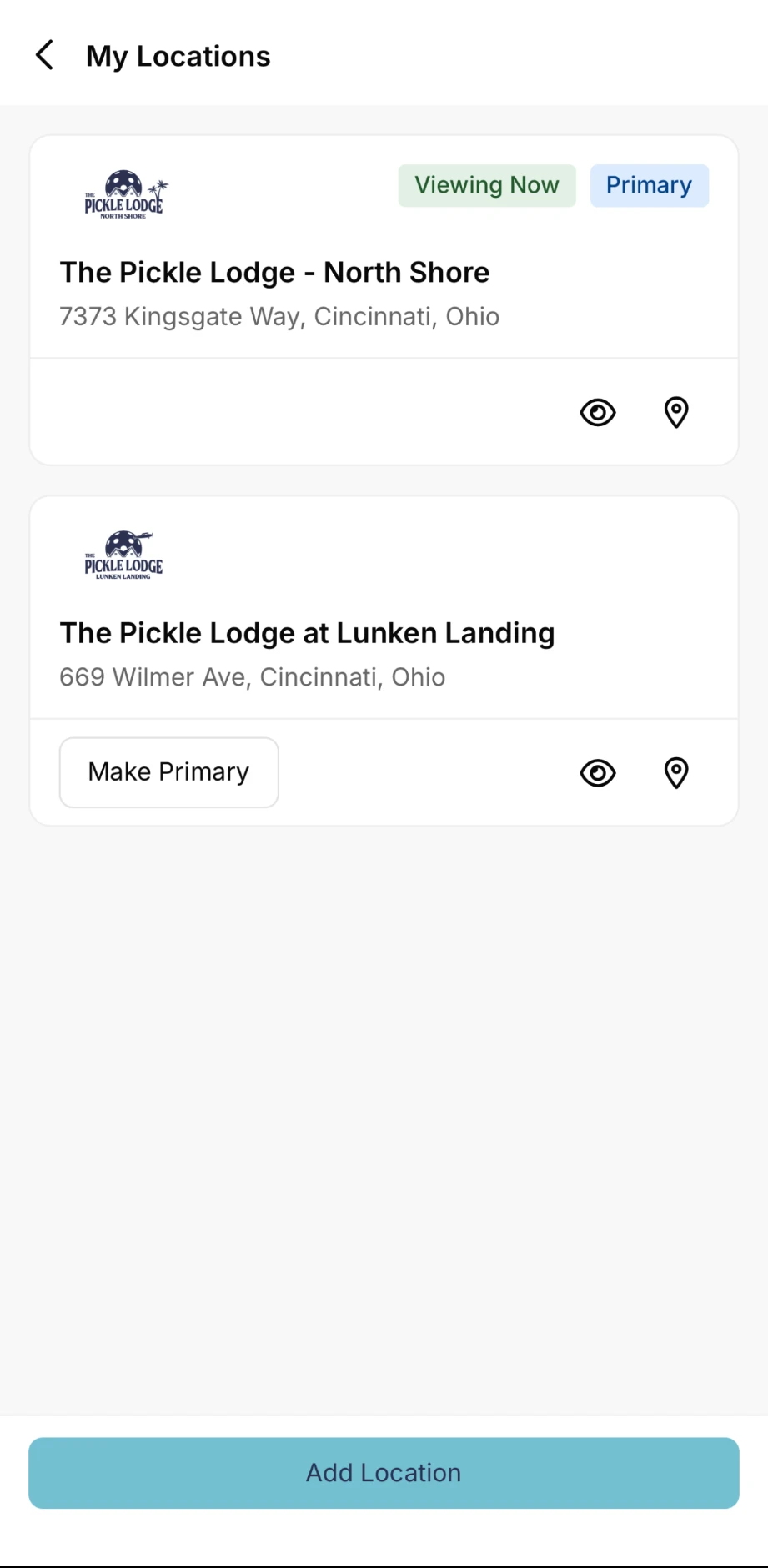
- Or tap More in the bottom right, then My Locations.
-
On My Locations, tap Add Location at the bottom of the screen.
-
Choose the Lodge. In The Pickle Lodge app, our Lodges show up for you to pick. In the CourtReserve app, search for The Pickle Lodge and pick the Lodge you want.
-
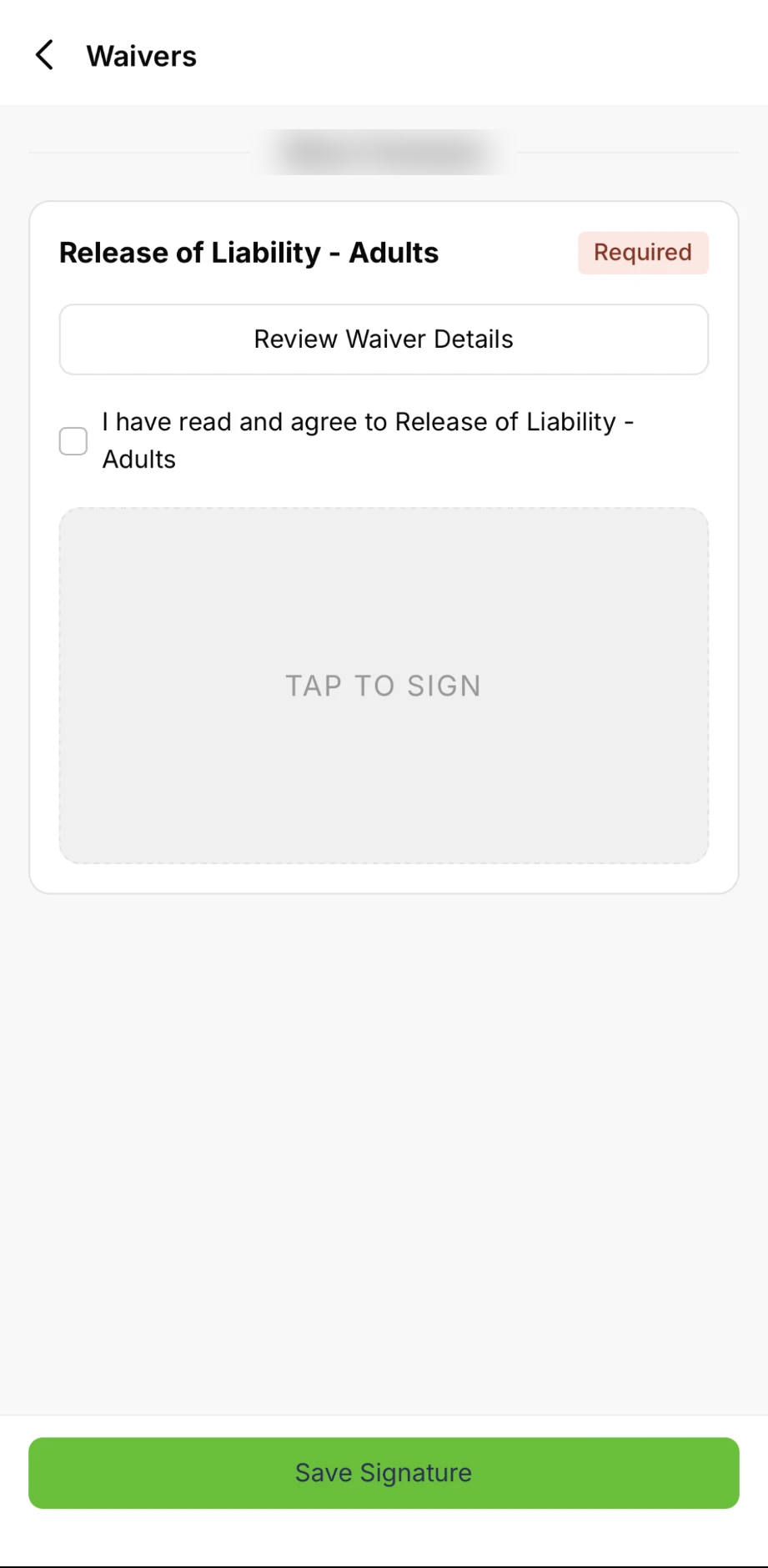
Sign the Lodge's waiver: check I have read and agree, tap the box to sign, then tap Save Signature.
-
Your first booking at the new Lodge asks you to add a card. Tap Create payment profile, enter your card and tap Add Payment Profile. Each Lodge processes its own payments securely, so you add your card once at each Lodge, and it's saved there after that.
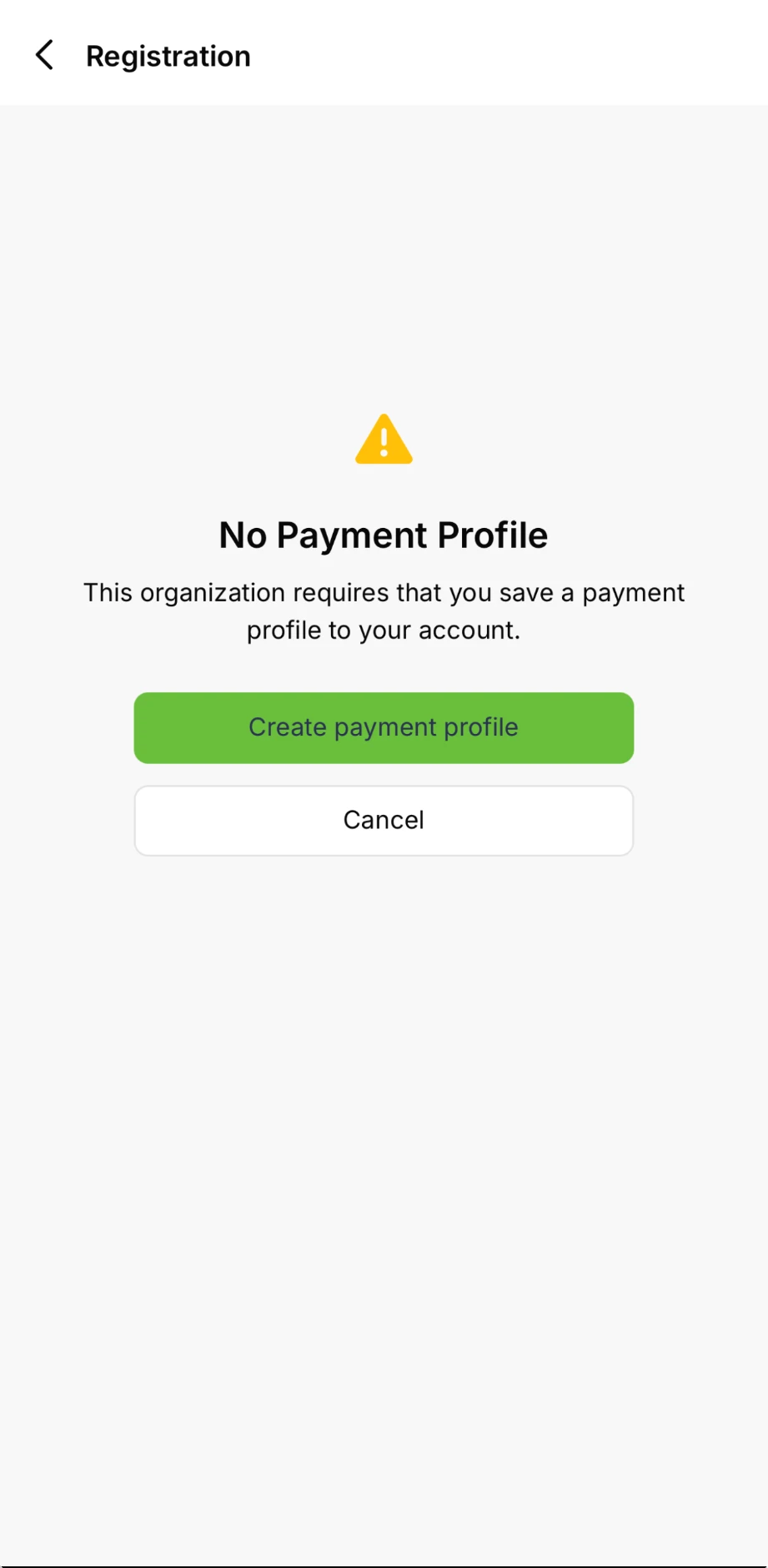
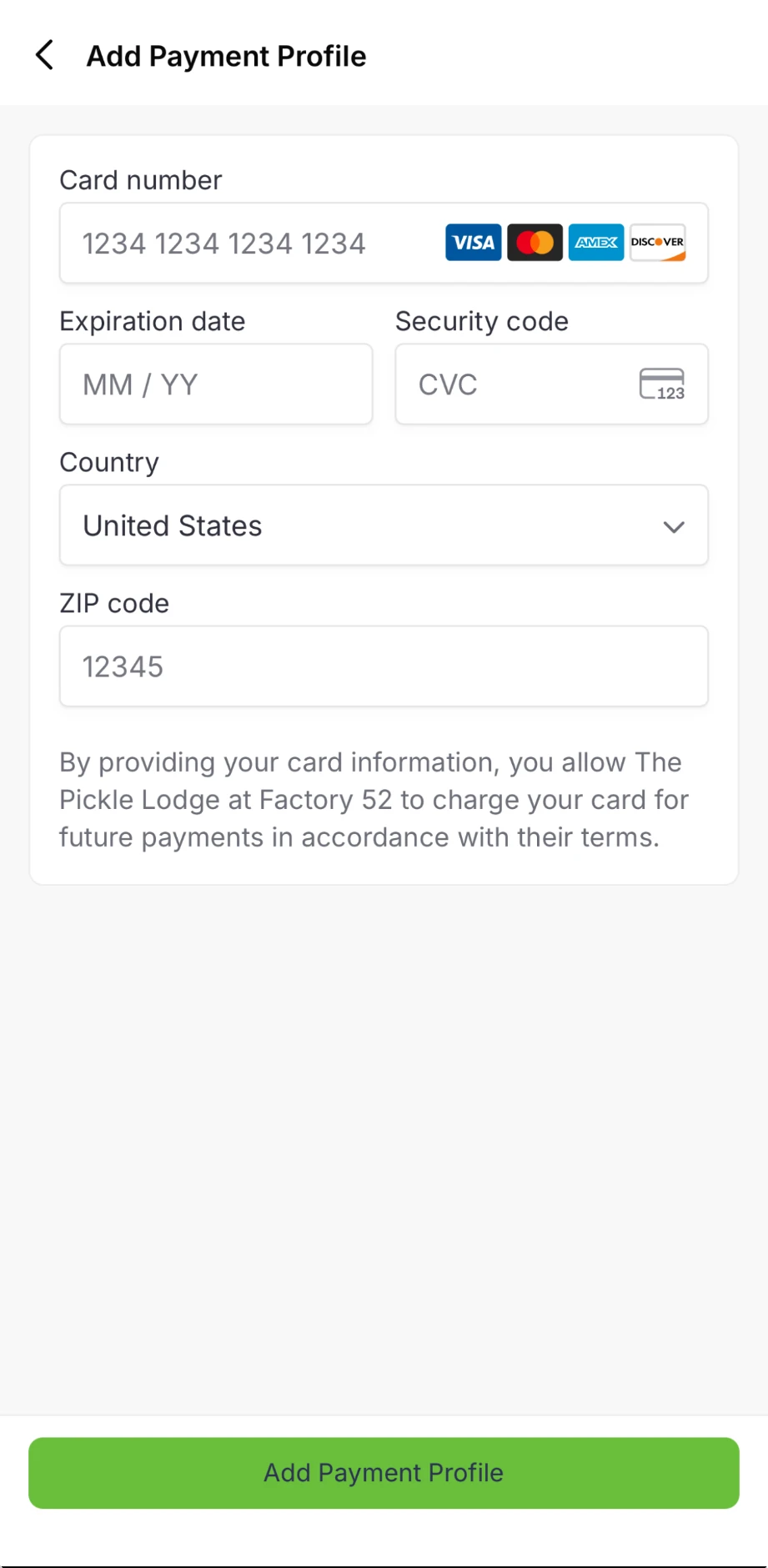
-
To switch Lodges anytime, tap the down arrow at the top and pick one.
Stuck? Any front desk can help you add a Lodge.
"Make Primary" In The App Only Changes Your Home Screen
In the app, tap More in the bottom right, then My Locations. You'll see Make Primary next to each Lodge.
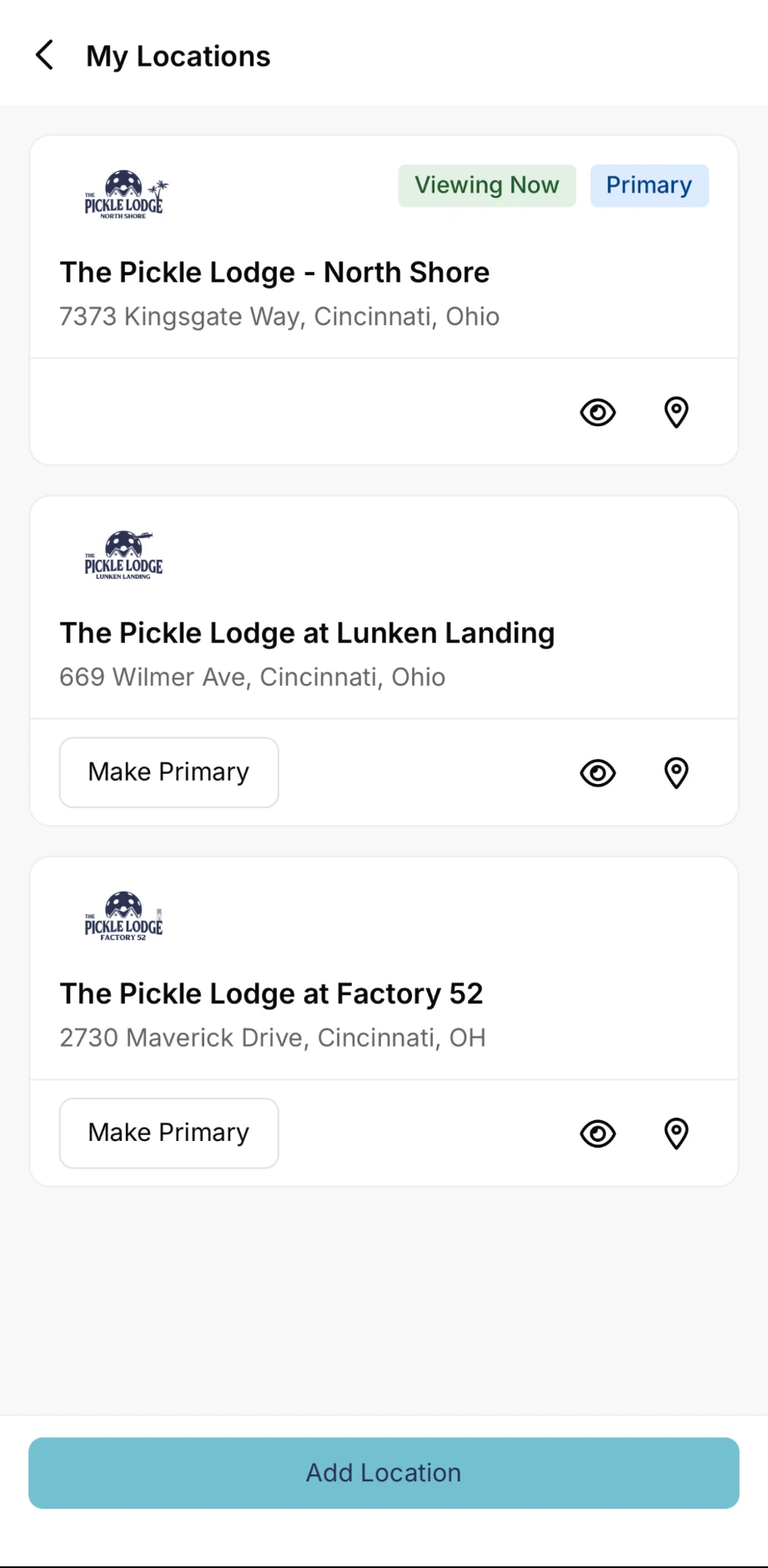
Make Primary only picks which Lodge the app opens to. It doesn't change your primary Lodge with us, and it doesn't move your guest passes or packages. You'll still get reminders for your reservations at every Lodge, whichever one the app opens to.
Changing Your Primary Lodge
Moved to another part of town? Request it on the Membership Change Form: choose Change My Primary Location. The membership team takes it from there.
- Packages you already have (lessons, guest passes and more) stay at your original Lodge until they're used up.
- New guest passes load at your new primary Lodge starting on the 1st of each month after the change.
See Your Membership Details
In the app, tap More in the bottom right, then My Membership, and look at your next billing date.
What To Expect
Related: ONE LODGE · Guest Passes
Questions: email the membership team at membership@thepicklelodge.com, or ask at any front desk.